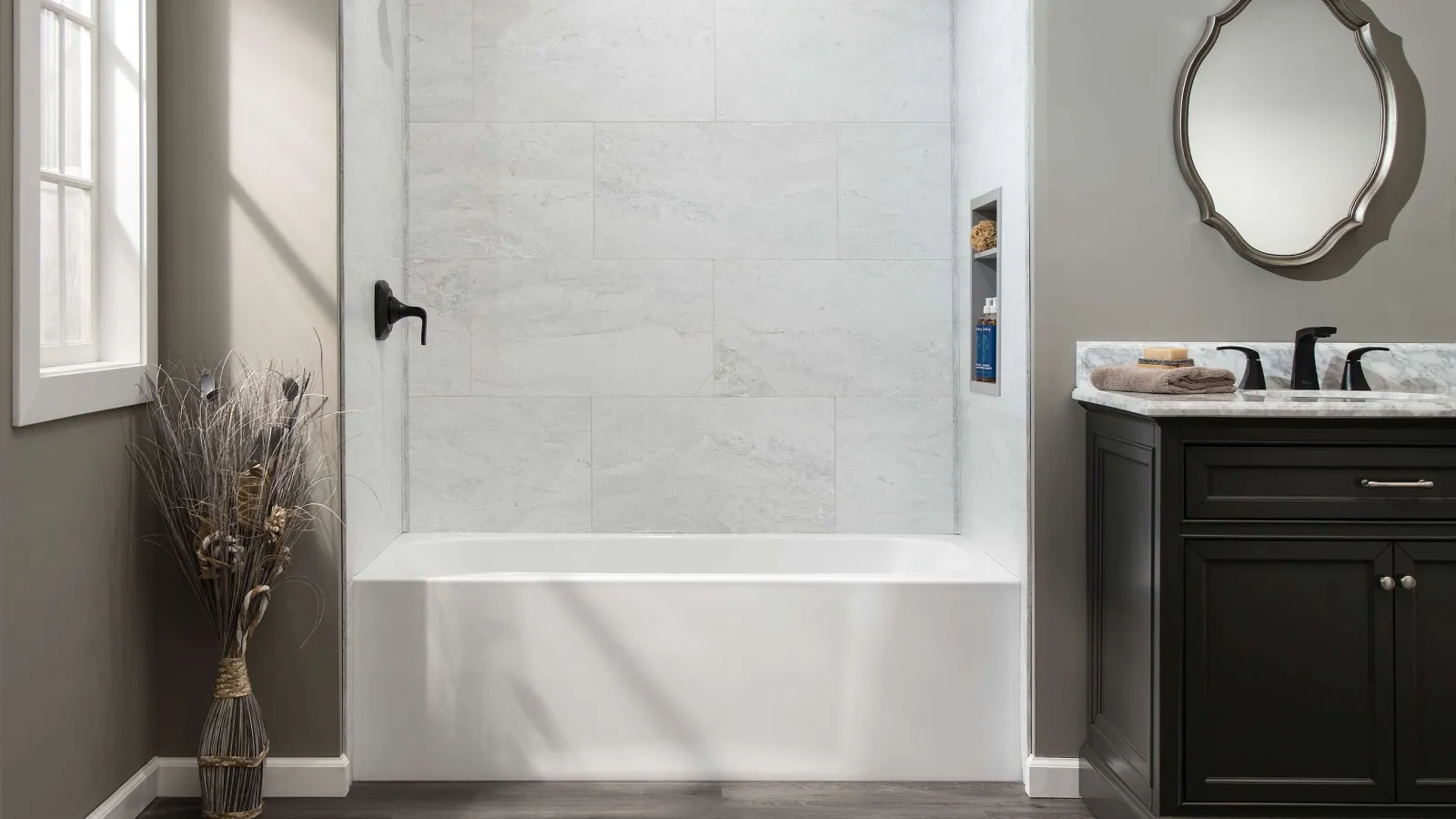
Modern bathroom with white bathtub, dark wood vanity, decorative mirror, and wood-look flooring under natural light.

Shower Wall System Installation

Shower Wall System Installation Guide

25 min Read
DIY Experience Recommended
Download PDF Watch Video

Preparation for Installation

Before starting, make sure all surfaces are clean, dry, smooth and free from dust, grease, wax, etc. Wipe the back surface of the panels with a clean cloth to remove dust or debris, Perform a "dry layout" prior to applying adhesive. Measure walls & check for level and square. depending on dimensions and room construction, you may need to trim some panels accordingly.

Shower Size: 36″ Depth 60″ Wide x 36″ Depth x 78″ Tall

Panels included:

  • 2-interlocking Panels 30″ x 78″ = 60″ Width
  • 2- Panels 36″ x 78″ = 36″ Depth (Sides: R & L)

Matching trims included:

  • 2 - J-Trim 78″ tall
  • 2 - L-Trim 78″ tall
  • 2 - Inside Corner Trim 78 " tall
Modern walk-in shower with white marble tiles and silver shower fixtures in a gray bathroom.

Shower Size: 32″ Depth 60″ Wide x 32″ Depth x 78″ Tall

Panels included:

  • 2-interlocking Panels 30″ x 78″ = 60″ Width
  • 2- Panels 32″ x 78″ = 32″ Depth (Sides: R & L)

Matching trims included:

  • 2 - J-Trim 78″ tall
  • 2 - L-Trim 78″ tall
  • 2 - Inside Corner Trim 78 " tall

Shower Size: 30″ Depth 60″ Wide x 30″ Depth x 78″ Tall

Panels included:

  • 2-interlocking Panels 30″ x 78″ = 60″ Width
  • 2- Panels 32″ x 78″ = 32″ Depth (Sides: R & L)

Matching trims included:

  • 2 - J-Trim 78″ tall
  • 2 - L-Trim 78″ tall
  • 2 - Inside Corner Trim 78 " tall
Three gray marble tile walls forming a corner with subtle veining and smooth surface texture.

2-Wall Shower 36″ Wide x 36″ Depth x 78″ Tall

Panels included:

  • 1-Panel 36″ x 78″ = 36″ Side 1 (R)
  • 1- Panel 36″ x 78″ = 36″ Side 2 (L)

Matching trims included:

  • 2 - J-Trim 78″ tall
  • 2 - L-Trim 78″ tall
  • 1 - Inside Corner Trim 78 " tall

Note on Panel Sizes:
The panels included in the Palisade shower wall system are designed to be installed in a standard 60-inch wide shower system. As such, all panels measure nominally smaller than the stated size to allow for ease of handling when fitting the tongue and groove feature, and to accommodate the corner trims.

White marble pattern wall panels arranged in a corner with gray veining and rectangular tile design.

Step 1

Install the back wall panels first, from left to right (1&2). Next, install the side wall panels (3 & 4). Note that panels 1 & 2 will connect together with tongue and groove, so pay attention ahead of install so that connections works.

Step 2

Apply adhesive to the back of the first panel. Using recommended adhesive, apply a 1/8″ bead around the perimeter of the panel, about 1″ in from the edge. Then, apply rows of adhesive every 4-6″ apart in a typical "S" pattern.

Step 3

Insert sealant from end to end into the deeper channel of the first inside corner trim. Panel 1 will be inserted into this channel. Slide the inside corner trim onto panel 1.
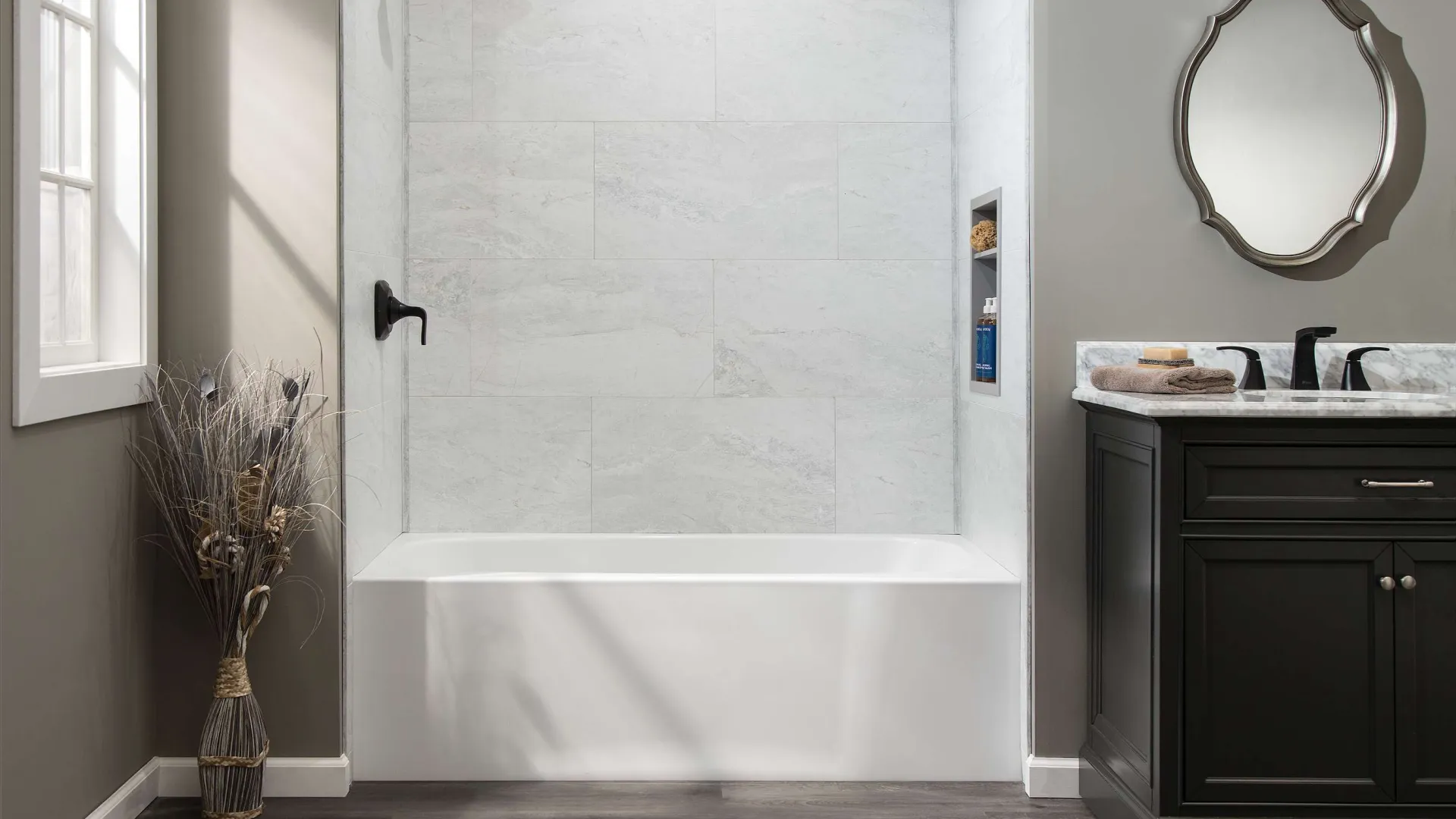
Diagram showing four marble wall panels numbered 1 to 4 with tongue and groove connection between panels 1 and 2.
Person applying gray adhesive with caulking gun on white panel with a drilled hole on brown surface.

Step 4

With the inside corner trim facing the left corner, and after applying adhesive to back of panel 1, press the panel onto the back wall. Make sure it is tight into the corner.

Step 5

Before installing panel 2, be sure to put a bead of sealant along the tongue and groove edge of panel 1. Like with panel 1, apply adhesive to the back of panel 2.

Step 6

Insert sealant into the second inside corner trim from end to end. Slide the inside corner trim on panel 2. Like panel 1, make sure it is the deeper channel as that is the one that panel 2 will go into.

Hands installing a white marble-pattern tile with a white trim piece on a plywood floor surface.
Person applying sealant to the corner of white marble-effect tiled walls using a caulking gun.
Diagram showing inside corner trim with back wall, side wall, and palisade panels in a top view layout.
Hands applying white adhesive from a tube onto a white plastic or metal strip on a brown surface.
Hand applying white adhesive sealant from a tube onto a white plastic corner trim piece against a brown background

Step 7

With the inside corner trim facing the right corner, press panel 2 onto the back wall. Make sure the corner trim and panel is tight in the corner.

Step 8

Slide the panel to the left so the tongue and groove of the panel edges click together. Wipe off any sealant that squeezes out or add more if needed.

Step 9

There is enough depth to the inside corner trim to allow plenty of panel movement to fit the panels together. Also, check for any sealant that may squeeze out of the inside corner trims. That will need to be wiped off or if lacking, you may need to apply more.

Man installing gray marble-patterned waterproof wall panels in a shower stall with a white base.
Man installing white marble-patterned wall panels in a shower with gray walls and a white base

Step 10

There is enough depth to the inside corner trim to allow plenty of panel movement to fit the panels together. Also, check for any sealant that may squeeze out of the inside corner trims. That will need to be wiped off or if lacking, you may need to apply more.

Step 11

Apply adhesive into J-trim piece. Install the J-trim to cover the outside edge of panel 3.

L-Trim Option

Note: If applying shower wall system over existing substrate such as tile, you will need to use L-trim which will better accommodate the thicker dimension of the wall.

Hands installing large white marble-patterned ceramic floor tiles on a gray surface.
Top view diagram showing wall, existing tile, palisade panel, and red L-Trim corner element.
Person applying white adhesive from a tube onto a hinge on a brown surface.

Step 12

Cut panels to accommodate shower components. Measure and mark the locations and use one of these types of drills or hole saws.

Step 13

Apply sealant into the other side of the inside corner trim that is already installed. Then apply adhesive to the back of panel 4 and affix to right wall and making sure it is inserted into the inside corner trim. Also make sure it is fitting nicely to the plumbing.

Step 14

Insert sealant into the second J-trim from end to end. Install the J-trim to cover the outside edge of panel 4.

Step 15

Apply sealant to top edges of all the panels for a watertight seal. Smooth the sealant across the panels for adequate coverage.

Top view diagram showing J-Trim installation along palisade panels next to a wall edge in red.
Handheld electric drill making a hole in white marble tile with dust and debris scattered around.
Hand using green electric drill with hole saw bit to drill through marble tile creating debris on surface.
Hand applying white caulk along the edge where marble tiles meet a painted wall for sealing.
Hand applies white caulk along the edge where marble tiles meet a painted wall corner for sealing.

Completed shower wall system install

Minimalist white marble tile shower with chrome fixtures and dark wood flooring in a modern bathroom.